Daytona Spin Login: Access Your Account in Seconds
Your login opens the balance, active bonuses, transaction history and the cashier at the Daytona Spin casino UK. Sign in with the email and password you registered with, on the website or through the home screen shortcut on your phone. There is no social or one click option, so those two details are the only keys to the account. Below: the sign in steps, a password reset that takes about two minutes, and fixes for the errors players run into most.
AFTER YOU SIGN IN Bonus balance, cashback and VIP level
How to Log In Step by Step
Four steps, the same on desktop and mobile. Use the email address you registered with, not a nickname.
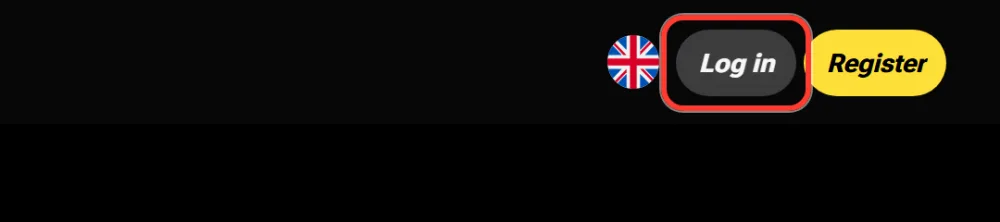
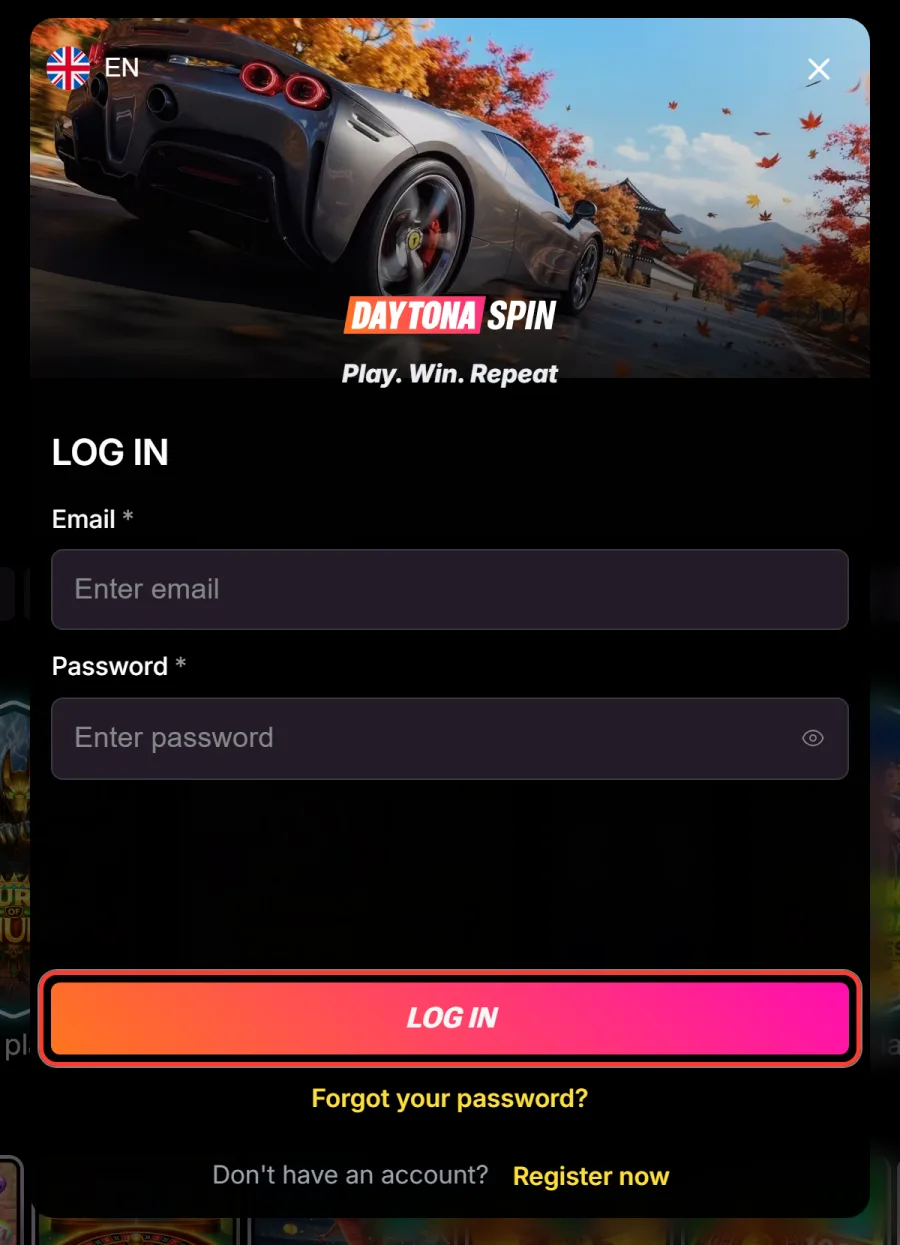
Open the login window
Select Log in at the top of any page. The same window opens from the Register now link inside the sign up form if you landed there by mistake.
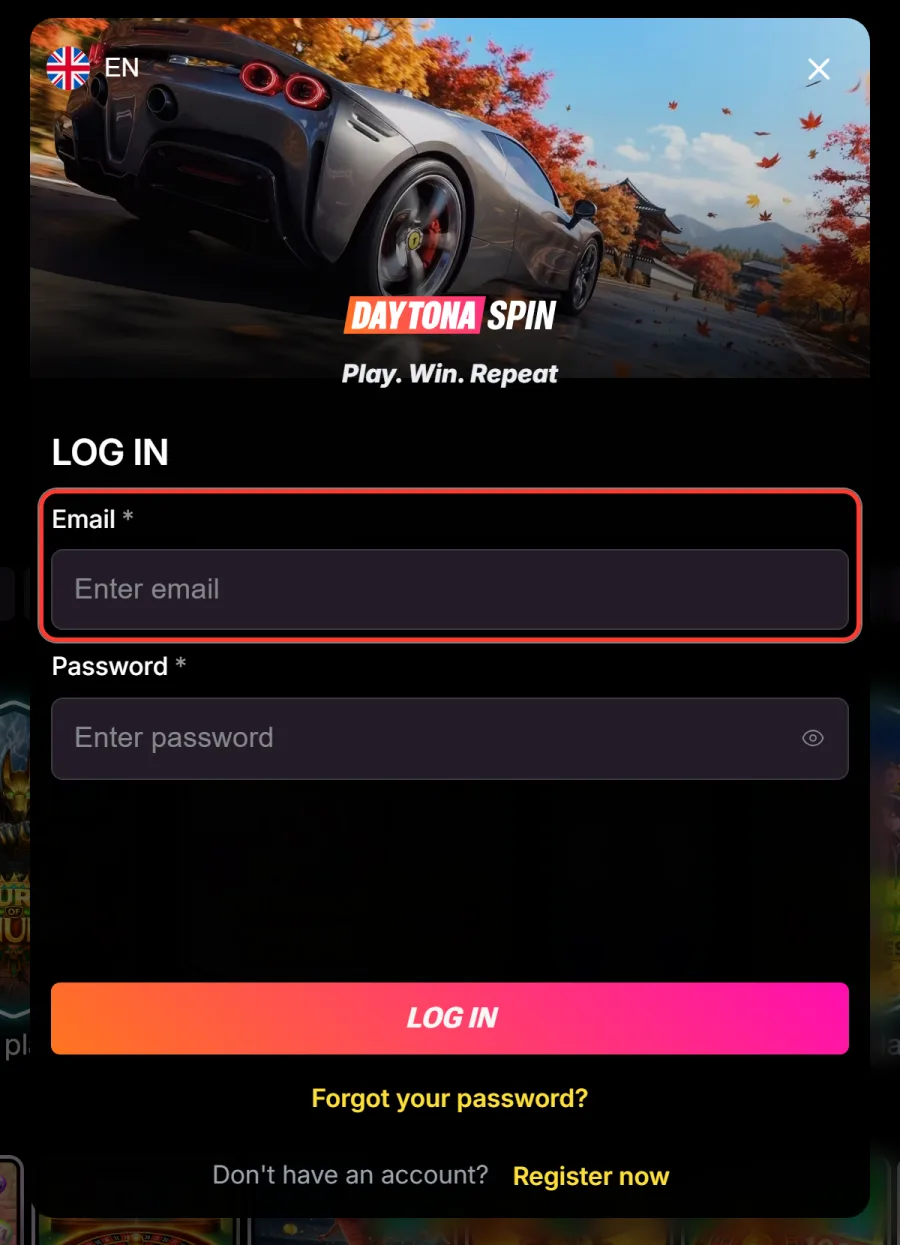
Enter your email address
Type the address linked to the account. Autofill helps here, but check for a stray space at the end if the form refuses it.
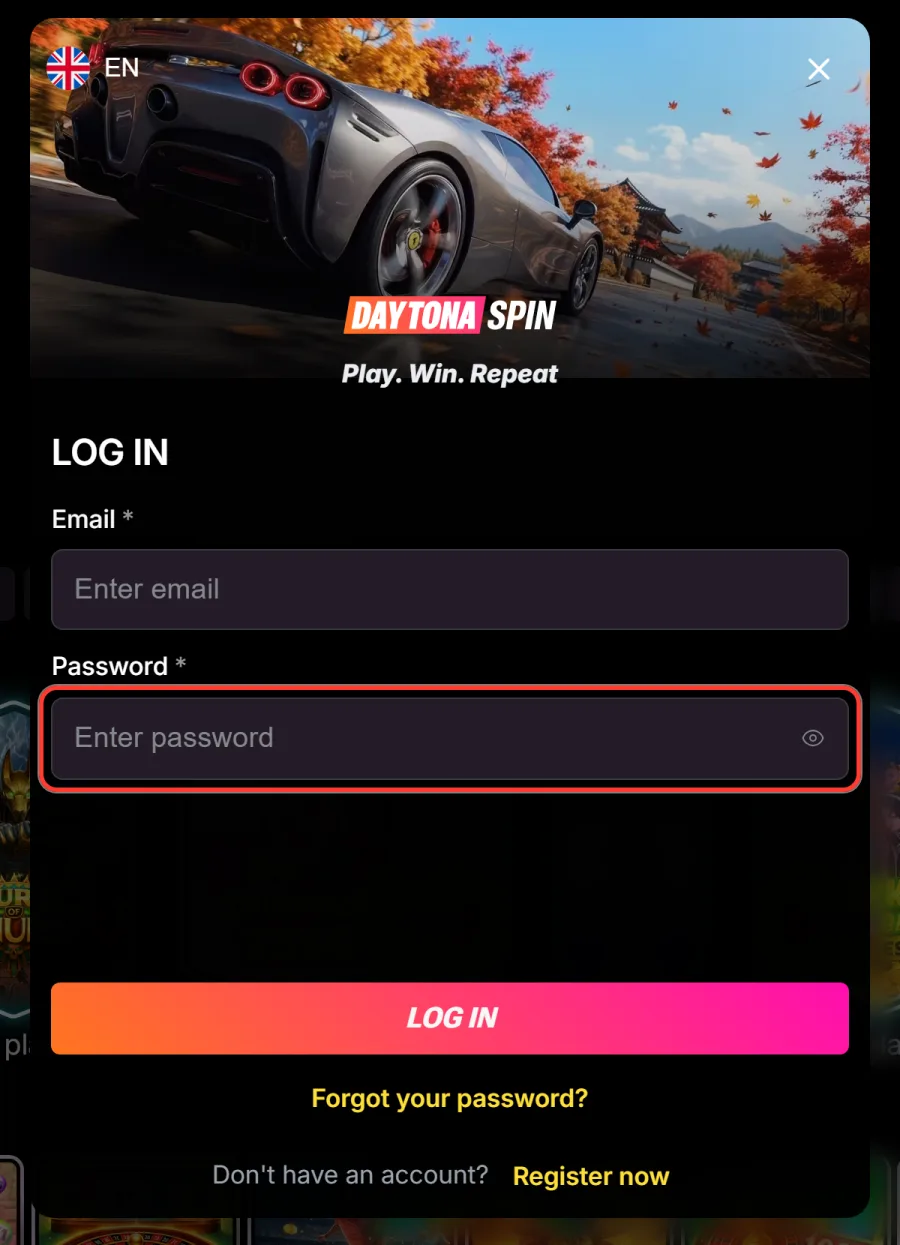
Enter your password
Type the password you set at registration. The eye icon reveals what you typed, which is quicker than retyping when Caps Lock is on.
Sign in
Select Log in to reach your account with balance, bonuses and history ready. Forgotten the password? Use the reset link in the same window.
Logging In on Mobile
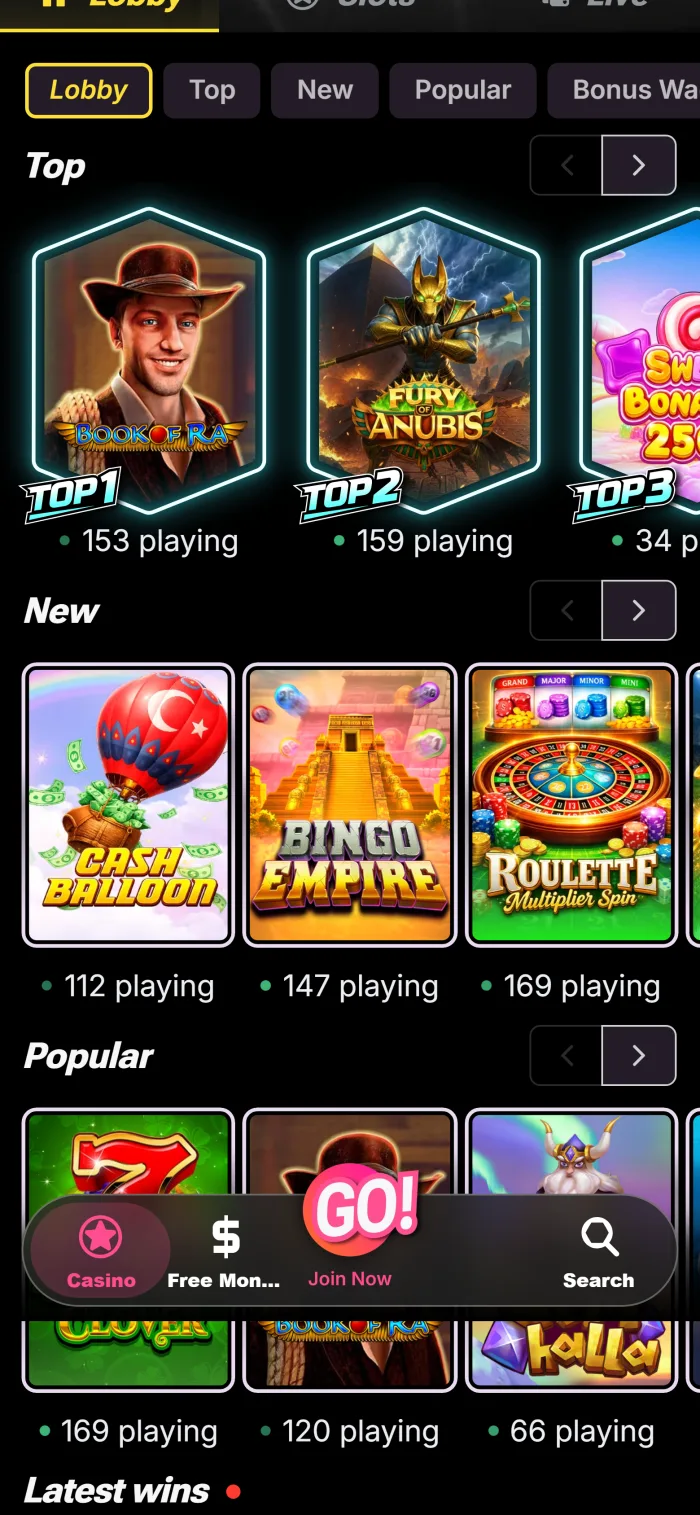
There is no native app, so mobile access runs through the browser or the home screen shortcut. The login screen is the same one, laid out for touch. Setup instructions live on the Daytona Spin app page.
- Open the casino in Chrome or Safari, or tap the shortcut on your home screen.
- Tap Log in at the top of the screen.
- Enter your registered email and password.
- Tap Log in to open your account dashboard.
Let your phone remember the details only if the device is yours alone and locked with a PIN or biometrics.
Forgot Your Password?
A reset takes a couple of minutes and only needs access to your registered email.
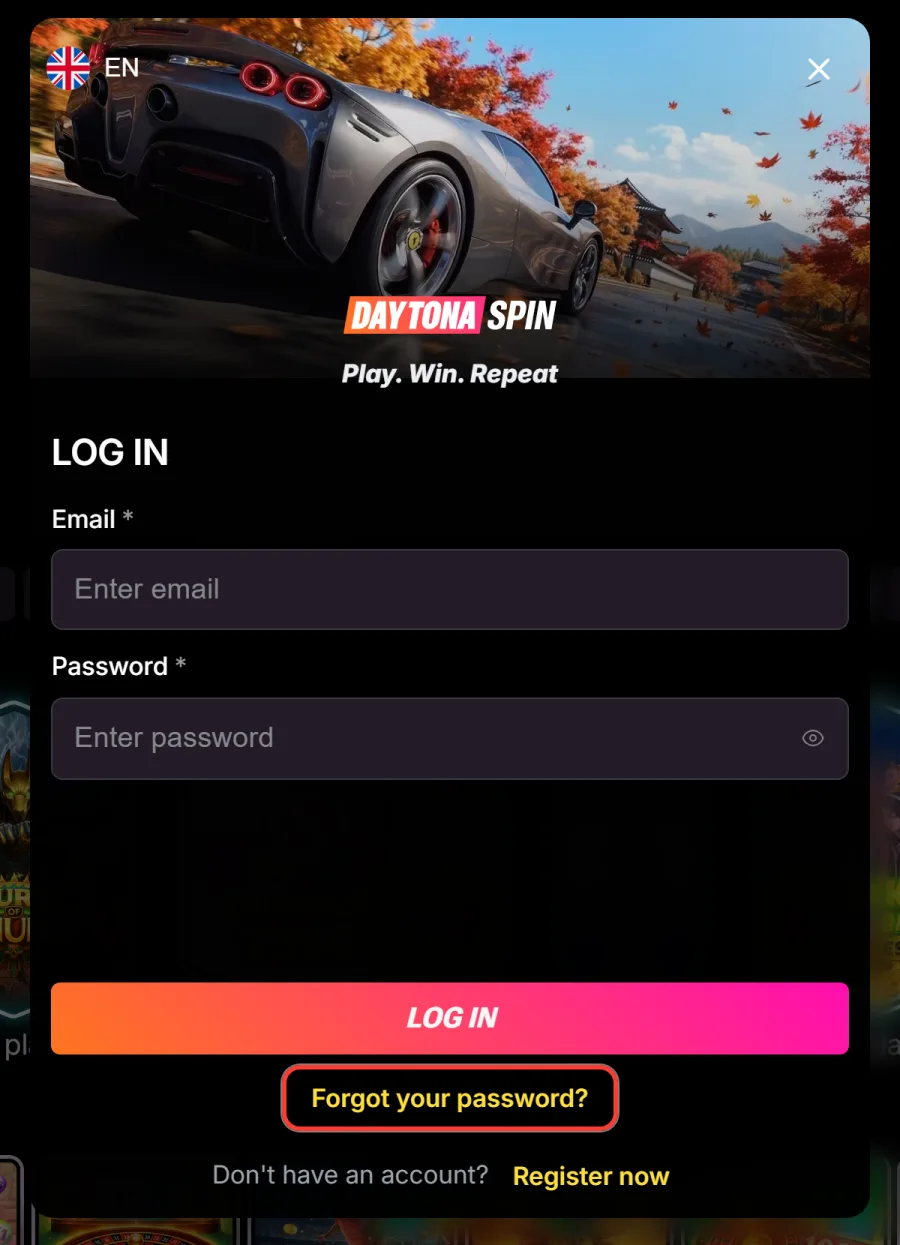
Open the reset link
In the login window, select Forgot your password to switch to the recovery screen.
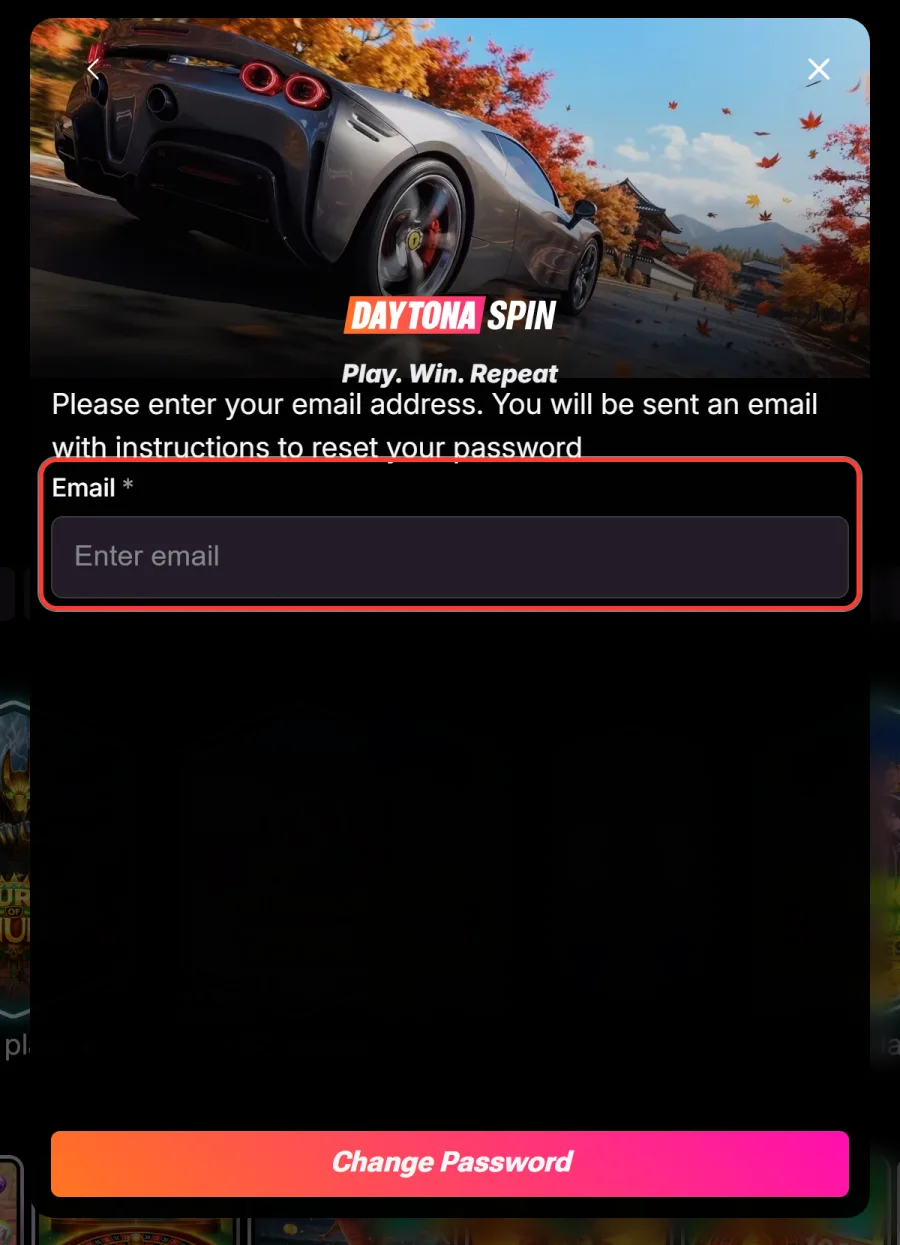
Enter your email address
Use the address the account was registered with, otherwise no message will arrive.
Open the reset email
Follow the link in the message. If it is not in your inbox within a minute, look in spam and promotions.
Set a new password
Choose 6 to 32 characters with upper and lower case letters and at least one number, then confirm it.
Sign in again
Return to the login window and use the new password. Update it in your password manager while you are there.
Common Login Problems and Fixes
Most sign in trouble clears up in under a minute.
| Problem | Fix |
|---|---|
| Forgotten password | Use Forgot your password, enter your email and follow the reset link |
| Incorrect email or password | Check for typos, turn off Caps Lock and confirm you are using the registered address |
| The Log in button does not respond | Clear the browser cache, try another browser, or switch between Wi-Fi and mobile data |
| Account shows as unverified | Open your profile and upload a photo ID, a selfie with it and proof of address |
| No access to your registered email | Contact live chat, which will guide you through recovery with identity checks |
| The main address will not open | Daytona Spin 7 is a mirror of the same platform, but only follow official links and check the address before typing a password |
If none of that helps, live chat in the Support menu can see what the account is doing from their side.
Bonuses Waiting After You Sign In
Once you are in, active offers sit in the bonus balance and in the Promotions area of your account, where free spins and reload deals are opted into. Players often search for a Daytona Spin casino login free spins deal, so it is worth being clear about what exists: free spins come with deposit bonuses, starting with 430 of them in the Welcome Pack, and with Level Up rewards as your VIP tier rises. There is no Daytona Spin casino login no deposit bonus to collect just for signing in. Monday cashback and Tuesday rakeback land in the same balance without any action from you. Terms for every offer are on the Daytona Spin promo code page.
Verification After Your First Login
Signing in is not the same as being verified. The casino asks for documents when you request a withdrawal, once total deposits pass EUR 2,000, or when a transaction looks unusual. Until that check is complete, a first payout is not released and some account features can be limited. Upload from your profile: a government issued photo ID, a selfie holding it, and proof of address such as a recent bank statement. Clear photos with matching details are approved fastest.
Keeping Your Account Secure
A few habits protect the balance better than any setting.
- Use a long, unique password and store it in a password manager rather than a note on your phone.
- Do not sign in on shared or public computers, and log out when you finish a session.
- Ignore emails or chat messages asking for your password: support never needs it.
- Reach the casino through official links and check the address bar before typing anything.
- Set deposit or session limits in your profile so a session ends when you meant it to.
Accounts are for players aged 18 and over, and age checks run as part of verification.
No Account Yet?
Signing up takes about a minute with an email address and a password, and new players can create a Daytona Spin account in a few steps. A first deposit of £25 activates the Welcome Pack of 430% up to £14,300 plus 430 free spins.
FAQ
What do I need to log in?
The email address and password you registered with. There is no social or one click sign in, so keep those details safe and to hand.
How do I reset my password?
Open the login window, select Forgot your password, enter your email and follow the link in the message. Then set a new password of 6 to 32 characters with a number.
Can I log in on my phone without an app?
Yes. Sign in through the mobile site or the home screen shortcut. The screen matches the desktop version and uses the same account.
Why does my account show as unverified?
Verification is separate from signing in and is required before withdrawals. Upload a photo ID, a selfie with it and proof of address from your profile.
What if I lost access to my registered email?
Contact support through live chat. The team will take you through recovery, which includes identity checks before any change is made.
Can I stay logged in on several devices?
Yes, the account is not tied to one device. Only stay signed in on hardware you control, and log out on anything shared.
Updated: